Hidden Windows 11 security settings you should enable right now
Most people leave Windows security on default. That's a massive mistake. Here are the hidden Windows 11 security settings you need to flip right now....
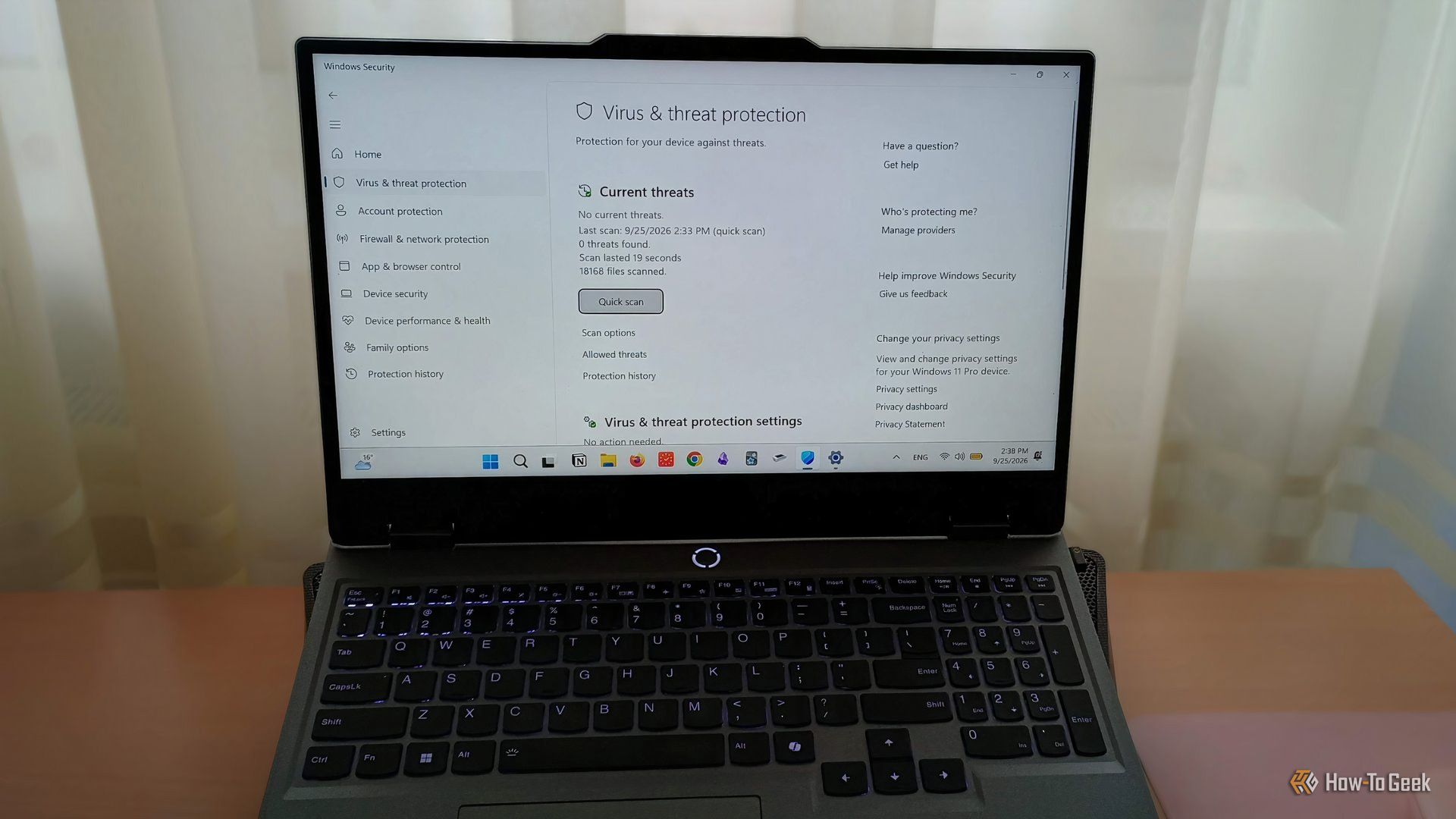
Most of us assume that the default configuration on a modern operating system is smart enough to keep us out of trouble. I used to think the exact same way. I know my way around a computer, and I figured Windows Security was handling things quietly in the background while I just built stuff and wrote code. Then I read a recent threat intelligence report that completely changed my mind. Modern malware isn't always loud or destructive right out of the gate; instead, clever malicious payloads are quietly whispering to the operating system, asking it to turn its own defenses off. One of its very first background tasks is often slipping into your security center and quietly pulling the plug on your protections, when malware slips in disguised as a legitimate utility.
That terrifying realization sent me digging through the menus for hidden Windows 11 security settings that A buries a few layers deep in the settings app. We aren't hacking the registry or running sketchy scripts here – these are legitimate native features that ship with your OS. They are just left disabled by default to avoid breaking legacy software for enterprise IT departments. That choice prioritizes convenience over actual safety, which drives me nuts. If you spend your day downloading new tools, testing experimental software, or just want to make sure your machine isn't an easy target for opportunistic ransomware gangs, you need to flip these switches immediately.

First on the chopping block is Tamper Protection. When enabled, this single toggle stops any process – even one running with full administrator privileges – from modifying your core security configurations or tampering with sensitive registry keys behind your back. It acts as an absolute brick wall against the exact type of silent defense-disabling attacks that security researchers are currently tracking in the wild. Next up is Controlled Folder Access, which is basically an internal panic room for your most important documents. Ransomware thrives on encrypting your life's work before you even realize what hit you. By explicitly locking down directories containing financial records, client files, and personal photos, you force Windows to ask every single unknown executable trying to touch your data. If an untrusted app tries to write to those folders, it gets locked out instantly.
Sure, digging through sub-menus to toggle switches feels tedious when you just want to get back to work. But spending five minutes locking down your machine beats spending five days trying to recover from a compromised system any day of the week. Stop trusting defaults. Take back control of your hardware.