How to Make Your Slow Windows PC Feel Fast Again With 3 Simple Tweaks
Stop tolerating a sluggish computer. Three minor adjustments to startup apps and visual settings can instantly revive your aging hardware....
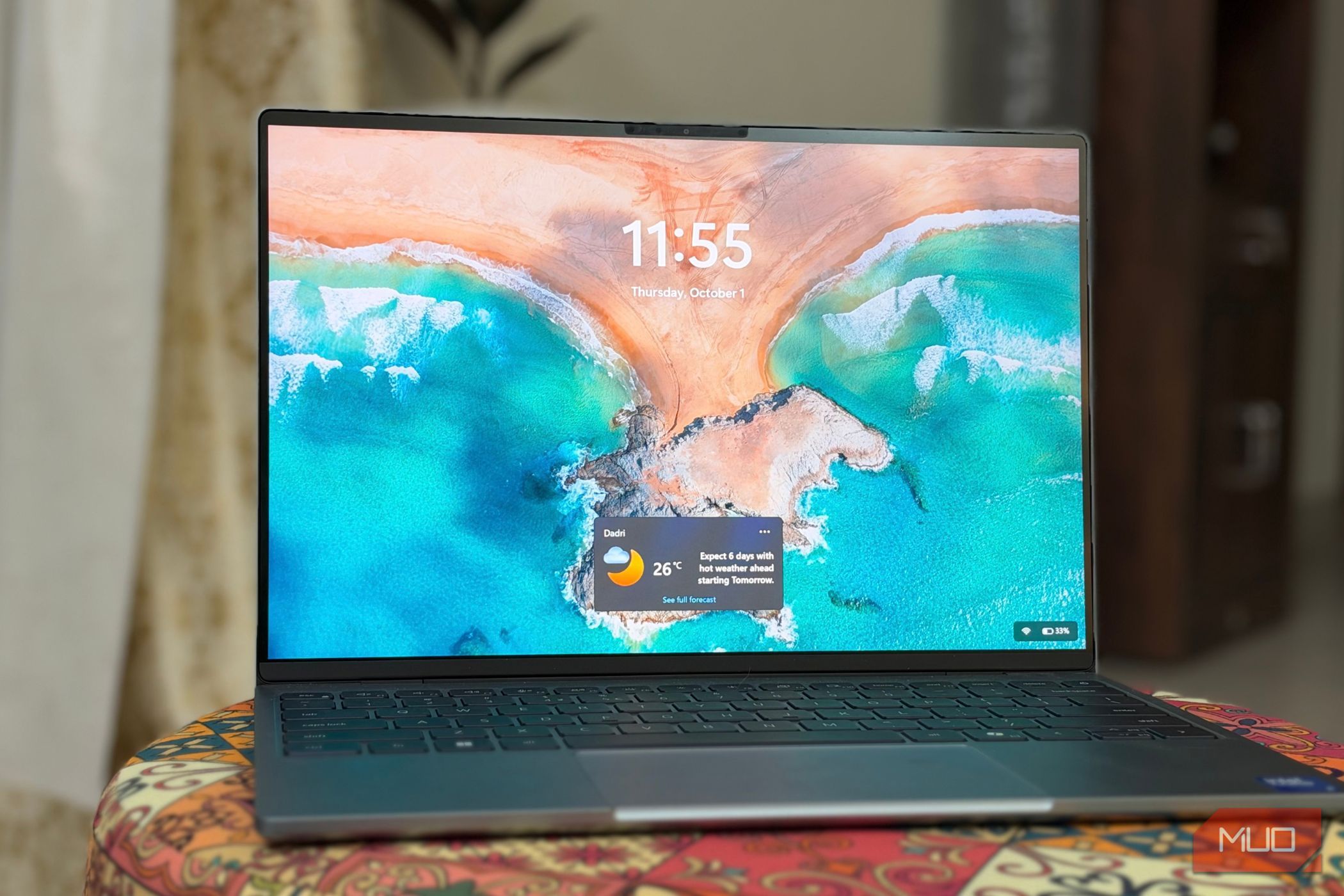
Inspiration has a terrible habit of striking precisely when your computer is at its absolute worst. You have a sharp thought, you reach for your aging laptop, and then you wait. By the time the desktop finally renders, the browser opens, and the text editor loads, whatever brilliant idea you were chasing has evaporated into thin air. It is infuriating.
Most of us simply accept this tax on our patience as the natural cost of aging hardware, assuming we are doomed to buy a new machine every few years. That is nonsense. Modern operating systems are bloated, sure, but much of the drag comes from self-inflicted wounds we accumulate over years of installing software that quietly demands a permanent tax on our RAM and CPU cycles. After hitting my breaking point last week, I dug into the guts of my daily driver and applied three straightforward tweaks that instantly stripped away the digital fat.
First, I waged war on the startup queue. Why does a chat application or a hardware utility think it deserves to hijack your processor the exact microsecond you log in? They don't. By opening the Task Manager, navigating to the startup tab. And ruthlessly disabling everything except critical drivers and security software, I got my boot time back. The machine stopped wheezing during the exact window when I needed it to be most responsive.
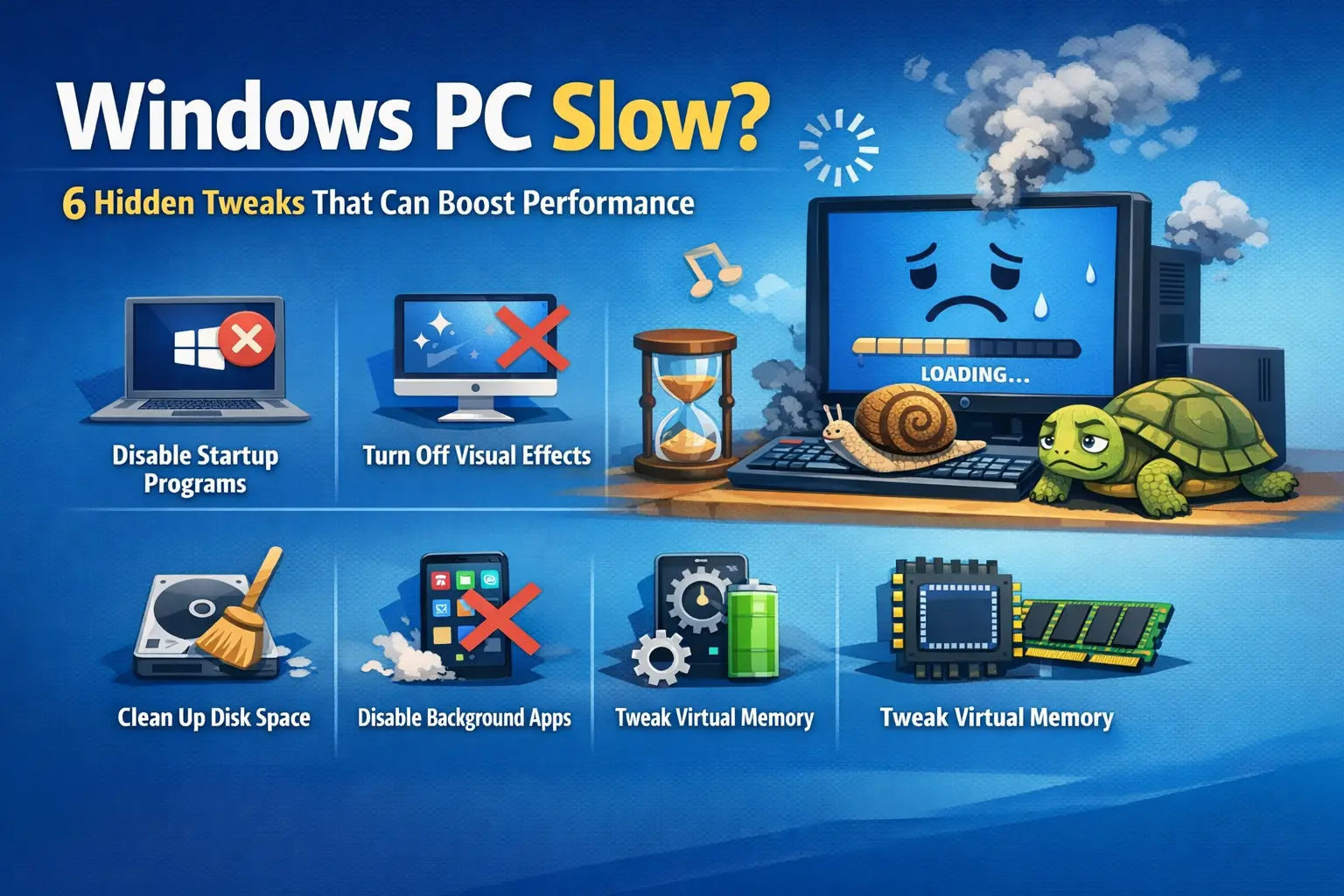
Next, I killed the excessive visual fluff. Windows ships with layers of smooth fades, translucent menus, and explain window-resizing animations that eat precious rendering cycles just to make a folder pop open a fraction of a second slower. Stripping those animations away doesn't turn your machine into a retro terminal from 1995, but it does make every single click register with an immediacy that feels genuinely jarring at first.
We spend so much time chasing — oddly — high-end hardware upgrades when basic software hygiene is usually what we actually lack. You don't need a new motherboard or a bank loan for a top-tier workstation just to look up a quick note — at least for now. Often, you just wanted to tell your computer to get out of its own way.