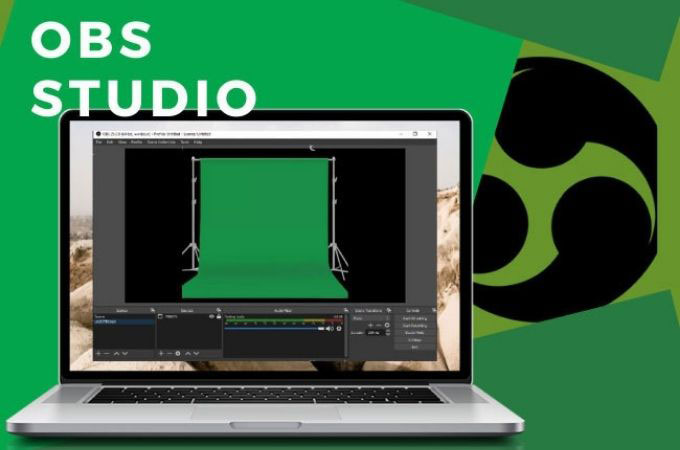
Making OBS Chroma Key Smarter with macOS Background Replacement
Ditch the wrinkly green fabric. macOS has a native trick for cleaner streaming without hardware clutter....
Let’s be honest about virtual production setups. Traditional chroma key setups are a massive pain. You need a physical green screen, decent lighting to avoid ugly shadows, and just enough room behind your chair so you aren't bathing in green spill. Most of us don't have broadcast studios in our spare bedrooms. We have piles of laundry, half-empty coffee mugs, and chaotic living spaces that we desperately want to keep off camera during a live stream or an impromptu client call.
Fortunately, Apple quietly built a clever escape hatch right into the operating system. If you want to use macOS Background Replacement to feed a smarter chroma key into OBS, you can completely bypass the fabric backdrop. Instead of wrestling with hardware kludges, the system uses machine learning to separate you from your messy room in real time. It works surprisingly well, turning an ordinary webcam stream into a clean feed ready for any virtual set or game overlay you seek to throw at it.
Setting it up requires a bit of plumbing, but the payoff is worth the initial friction. You basically route the system's segmented video feed into a virtual camera device that OBS can pull in as a clean source. No extra CPU-melting plugins required.

I'm usually skeptical of native OS features trying to solve niche creator problems. They tend to be over-engineered and under-customized. But this approach respects your hardware and keeps your desk free of unnecessary clutter. It is pragmatic engineering at its finest. Use what is already under the hood, cut out the redundant gear, and get back to actually building or streaming whatever it is you care about.