Why Raycast on Windows Finally Beats Microsoft PowerToys Run
Raycast is finally out of beta on Windows, leaving Microsoft's native utilities in the dust with actual contextual intelligence....
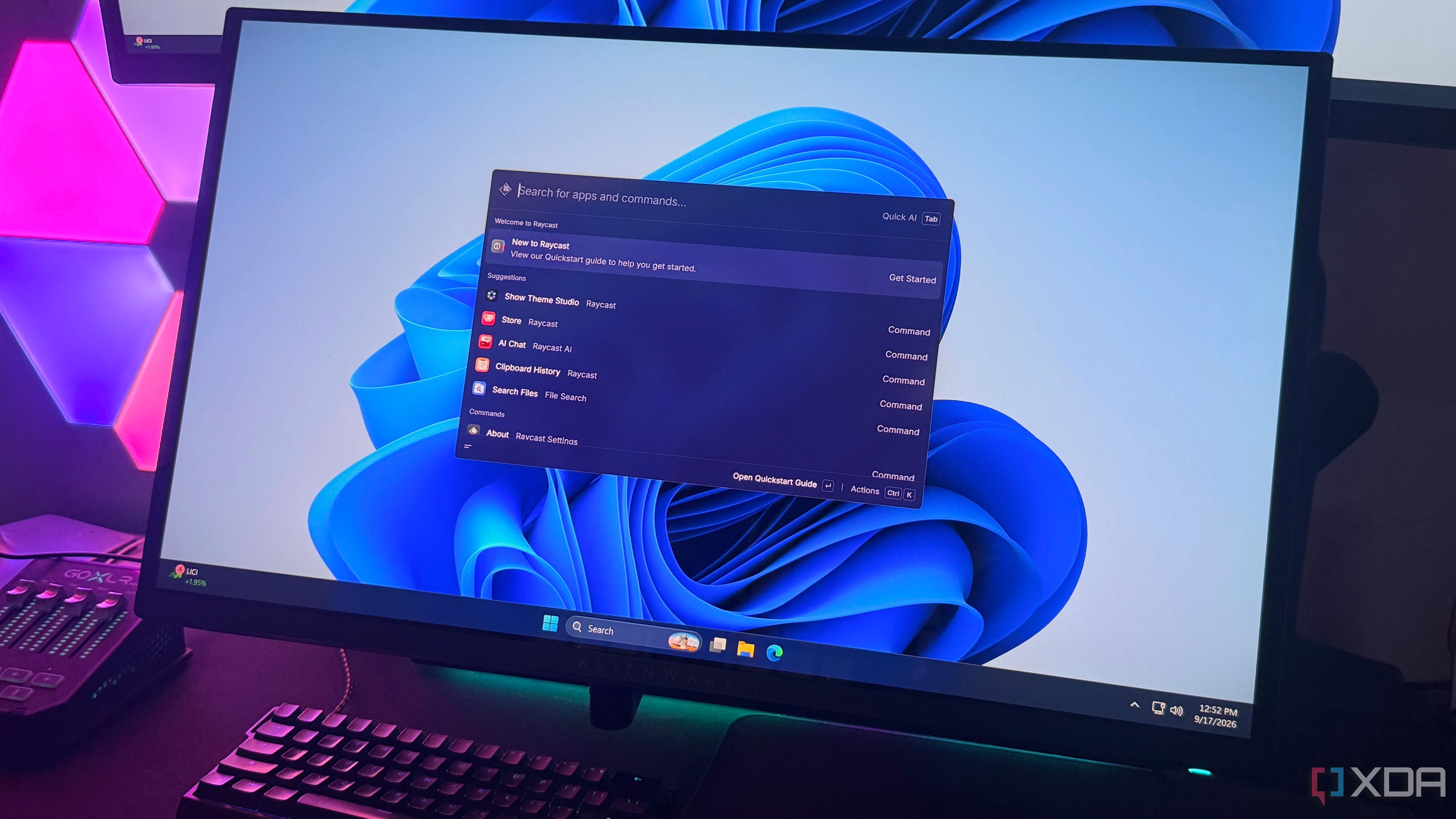
I remember installing PowerToys for the first time just to escape the bloatware trap of the modern Windows Start menu. I wanted a clean box that launched apps without shoving web recommendations or sponsored shopping links down my throat. It worked well enough for a long time. And Then Raycast dropped its stable Windows build, and everything changed.
On the surface, both tools do the same basic dance: they find files, crunch math — spin up apps. It but treating Raycast like a glorified search bar completely misses the point. It is an extensible command center. Important, mapping it to the native Windows key makes it feel like an operating system feature rather than an afterthought bolted onto the taskbar.
Then there is the AI integration. Most software companies slap a half-baked chat wrapper into their apps and call it an innovation cycle. Raycast actually thought about workflow. Screen Awareness reads whatever is currently on your display, letting you summarize articles or scrub through technical documentation without the tedious dance of copying and pasting.
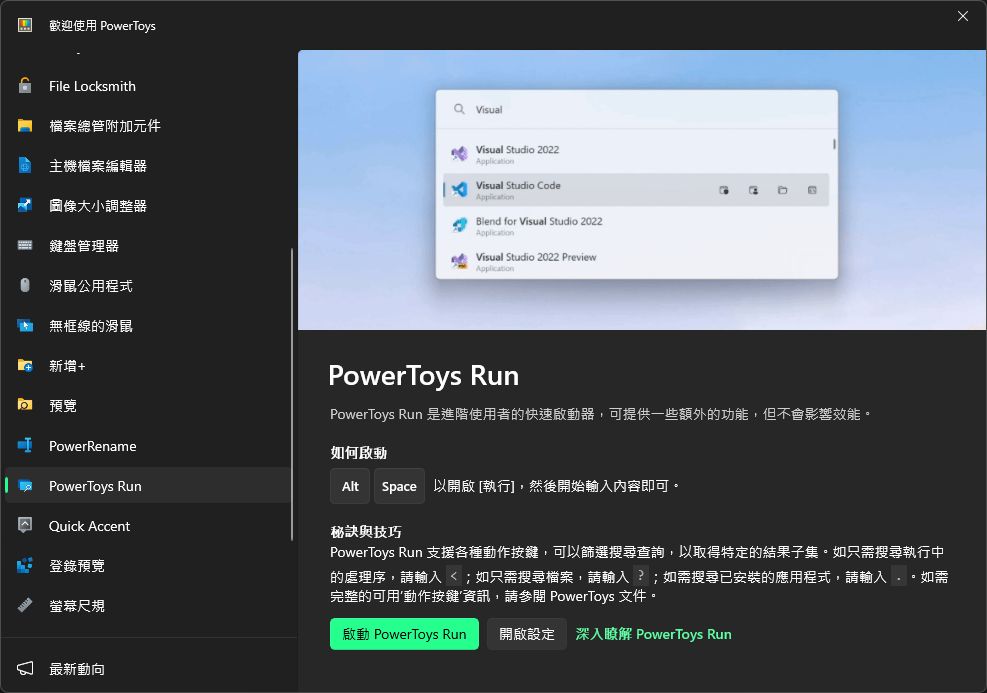
PowerToys Run is fine if you just want to open Notepad in a hurry. But Raycast understands that modern computing is about reducing friction, stitching together text expansion snippets, dynamic clipboard macros, and fast extensions into a cohesive loop that respects your attention span.
At eight bucks a month for the Pro tier, it isn't strictly free, but time saved compounds fast. Good software gets out of your way and lets you build things. Raycast gets that. PowerToys still has some catching up to do.