Why Running Docker Through WSL Beats Docker Desktop Every Time
Docker Desktop eats gigabytes of RAM doing nothing. Stripping it out for a pure WSL2 setup cuts resource usage in half and keeps your machine honest....
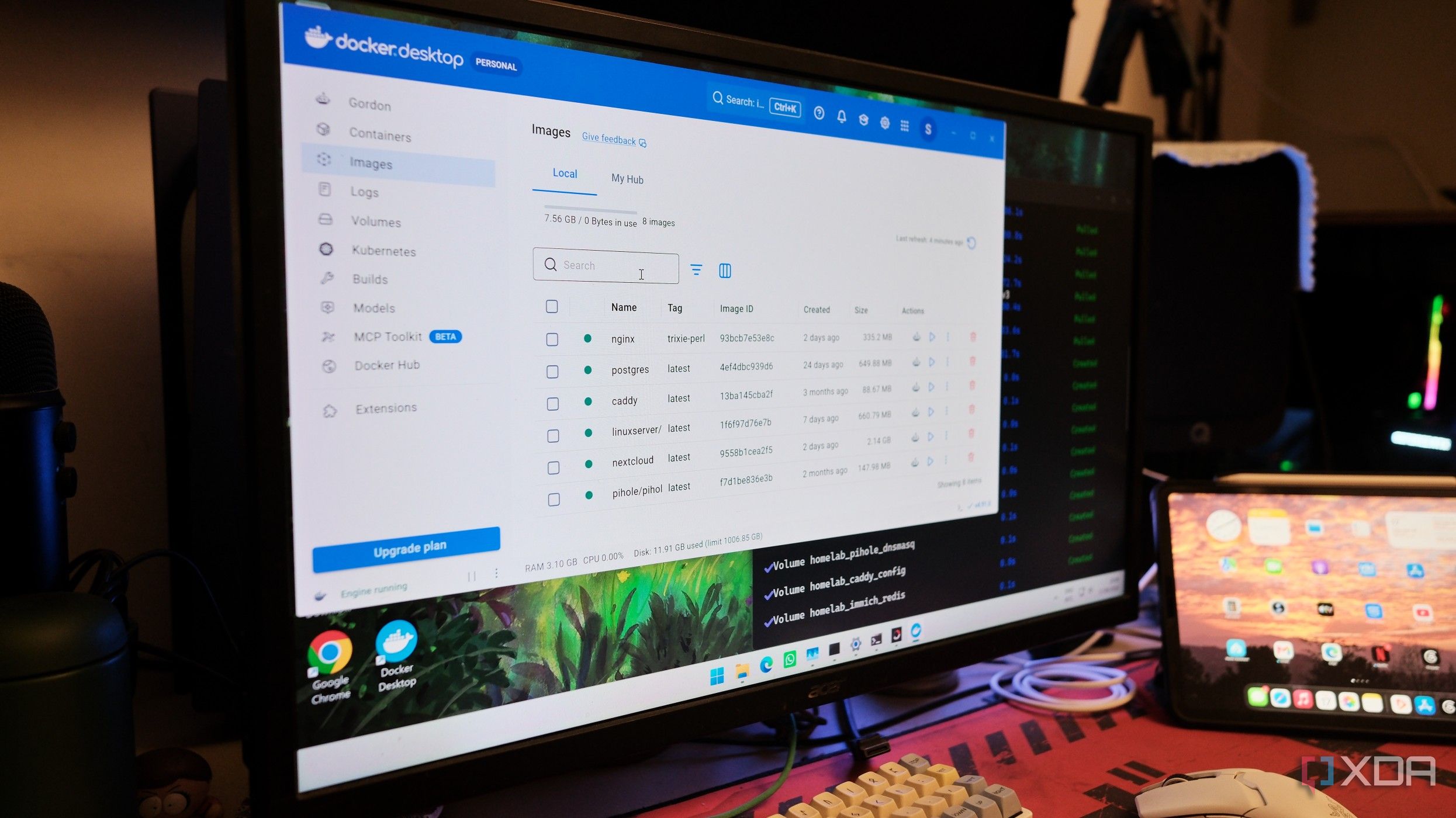
We have normalized letting our development tools squat on our hardware. I noticed this recently when a routine check of Task Manager revealed that Docker Desktop was steadily chewing through over a gigabyte of memory on a machine that was doing absolutely nothing. No containers were serving traffic. No builds were running. The app was just sitting in the system tray, quietly consuming the RAM of a modest cloud server while burning background CPU cycles for reasons known only to its telemetry engines. We trade our RAM for slick GUIs and automated installers, assuming convenience has a negligible tax, but that tax compounds over time.
The root cause is an absurd virtualization sandwich. When you run Docker Desktop on Windows 11 alongside WSL2, you are not just spinning up a container; you are stacking a virtual machine on top of another virtual machine. Windows spins up a lightweight Linux kernel for WSL2, and then Docker Desktop drops its own isolated distros right on top of that, maintaining separate backend engines, custom networking helpers like vpnkit, and credential daemons. It is a maze of nested abstractions designed to shield developers from the terrifying reality of a command line. But that abstraction layer introduces massive overhead, duplicate distros, and persistent background noise that refuses to stay quiet even when you toggle every available resource-saver switch.
So I ripped it out completely. I nuked the GUI application, dove into my Ubuntu WSL terminal, and installed the vanilla Docker engine directly onto the shared Linux subsystem. No proprietary tray icons. No hidden helper processes polling the CPU every few seconds. Just the raw daemon running natively inside the existing WSL2 boundary, handling my proxy, databases, and local services without throwing a tantrum.

The results were immediate and frankly embarrassing for the software bloat industry. Running Docker through WSL instead of Docker Desktop cut my idle resource usage in more than half, dropping overhead to a fraction of what it used to be while running the exact same stack. Sure, there is a catch. You lose the friendly dashboard, and you actually have to type commands into a terminal like an adult. But for anyone who respects clean engineering over flashy wrappers, the tradeoff is a complete no-brainer. Stop paying a memory tax for software you aren't even actively using.
. If an app requires a gigabyte of idle memory just to display a whale icon in your taskbar, it is time to rethink your workflow. Drop the wrappers, talk directly to the metal — and reclaim your RAM. In a way, if an app requires a gigabyte of idle memory just to display a whale icon in your taskbar, it is time to rethink your workflow. Drop the wrappers, talk directly to the metal — and reclaim your RAM. Memory just to display a whale icon in your taskbar, it is time to rethink your workflow. Drop the wrappers, talk directly to the metal, and reclaim your RAM.