How I Reclaimed a Terabyte of Plex Storage Without Deleting Anything
Stop throwing expensive hardware at a bloated media library. A clever background transcoding setup can slice your file sizes in half while keeping every single video intact....
Hard drives cost too much right now. When you run a growing local media server, you constantly walk a tightrope between overspending on enterprise storage and ruthlessly deleting things you might actually want to rewatch someday. I hit that wall recently. Instead of opening my wallet for another multi-terabyte disk, I decided to fix the root cause of the bloat.
The culprit is usually an aging codec. Most legacy libraries default to H.264. It is reliable, but it's also ancient by tech standards, originally stepping onto the scene back in 2003. When you switch to H.265 (HEVC), the math changes entirely. You can slash bitrates roughly in half without degrading visual fidelity. That means a massive multi-season 1080p show eating up 150GB can shrink down to 60GB without you ever noticing a drop in quality.

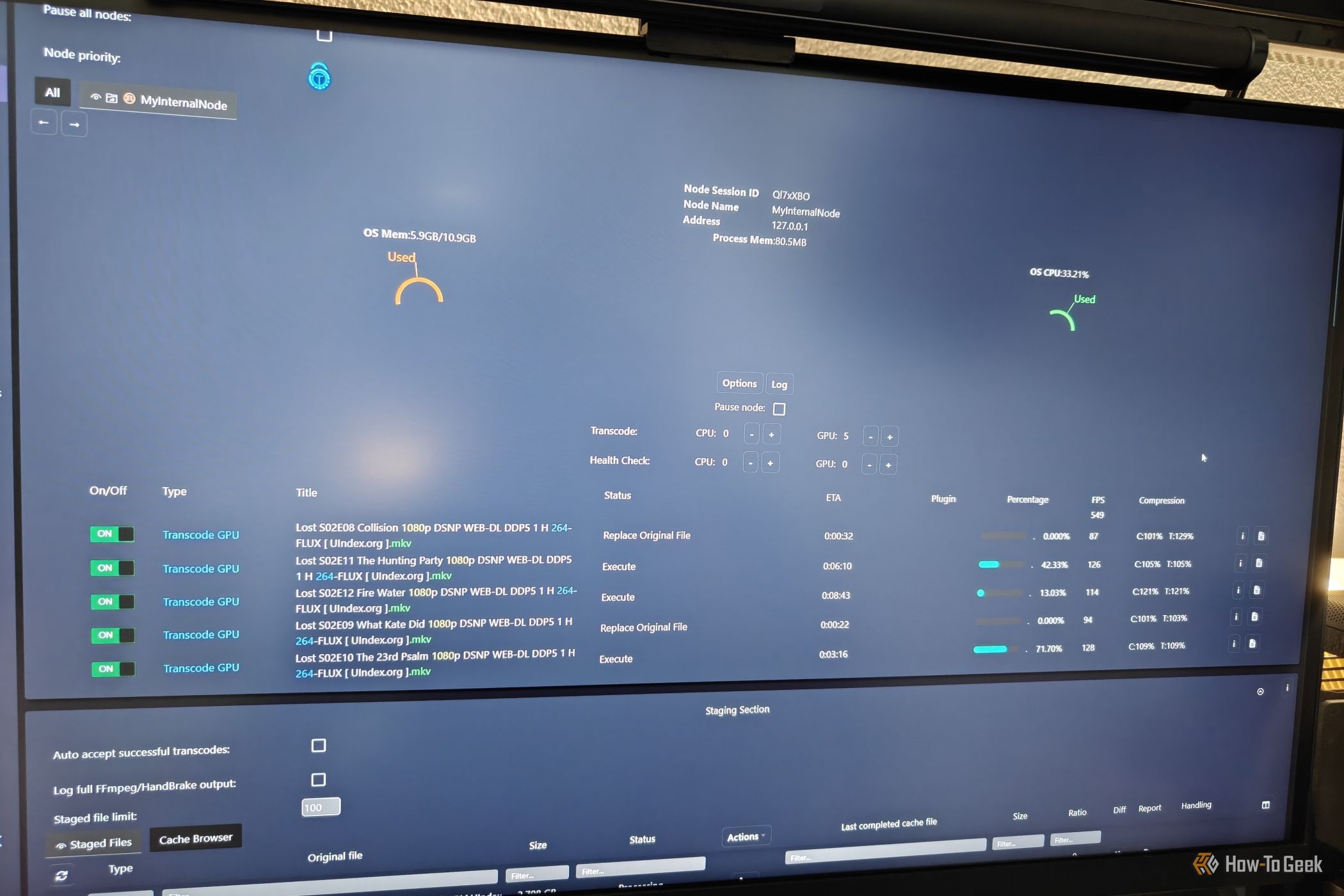
Doing this manually for thousands of files sounds like pure misery. Thankfully, smart automation exists. By spinning up a Dockerized utility called Tdarr, I turned my home server into an autonomous transcoding factory that chews through my library in the background. It evaluates every file, converts it quietly when the CPU is idle, and swaps out the bloated original once the math checks out.
Hardware decoding handles the heavy lifting on modern playback devices anyway, so your clients won't struggle. You could look at AV1 for even tighter compression, but the encode times and device support aren't quite as bulletproof yet. Give HEVC a proper run instead. Reclaiming a terabyte of space without tossing out a single file feels remarkably satisfying.