Why Snapseed is Still the Best Free RAW Editor on Mobile
Adobe wants a monthly fee just to unlock basic RAW editing tools on your phone, but an ancient Google-owned app quietly does it better for zero dollars....
Working with RAW files on a phone used to feel like an afterthought, something developers tacked on just to check a feature box. Then reality sets in when you actually need to fix an underexposed shot on the go, and every app worth its salt immediately drops a paywall right in your face. Adobe's Lightroom Mobile is the textbook offender here. It masquerades as a free download, luring you in with basic JPEG sliders, but the second you try to touch a genuine sensor file, out comes the subscription prompt. You want geometry corrections? Pay up. A decent healing brush? That'll cost you five bucks a month. It is a masterclass in modern software ransom.
For years, finding a genuinely capable choice meant resigning yourself to desktop software or wrestling with clunky converters that crash the moment you feed them uncompressed camera data. It a key point! But I kept coming back to a dusty relic that Google bought back in 2012 and promptly locked in a metaphorical basement for a decade. Sounds familiar? Key point — or so it seems. Look, Snapseed. Out of nowhere, the app started getting real updates again, breathing new life into a tool we all thought was dead. It reads practically every sensor format natively – Sony, Canon, Nikon, Fuji, you name it. Without forcing you through a bloated cloud sync or a proprietary import catalog.
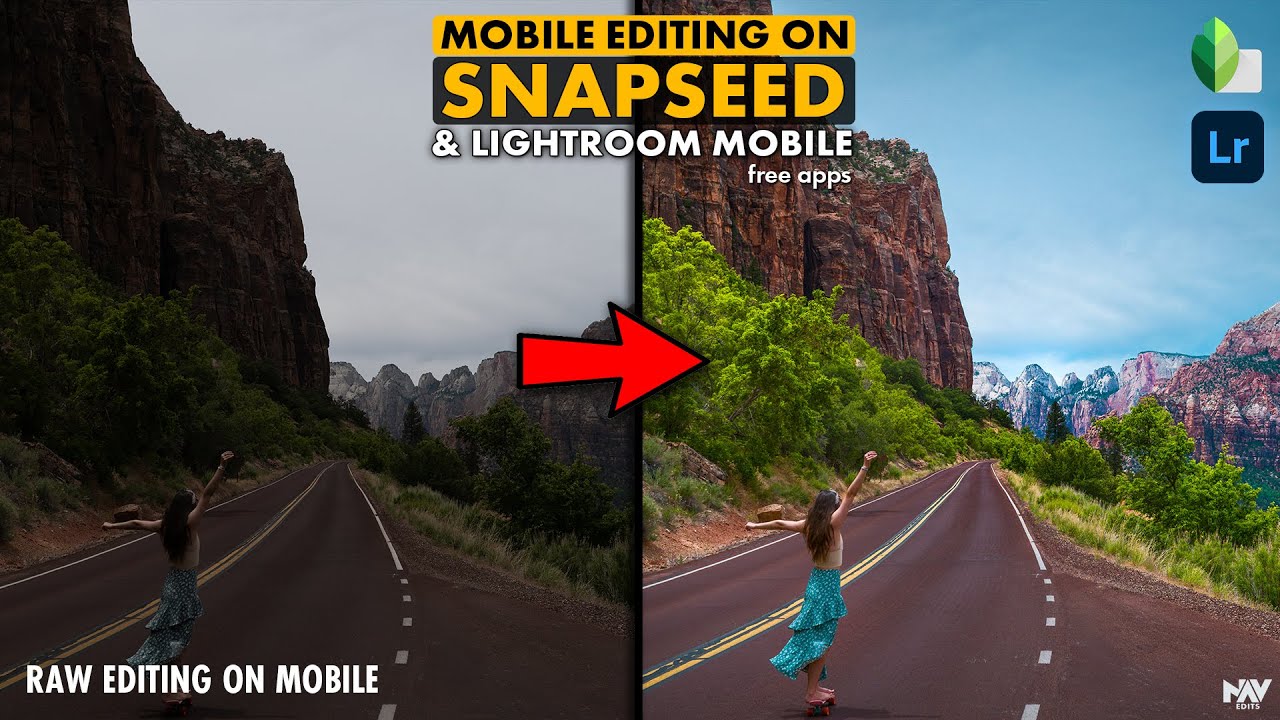
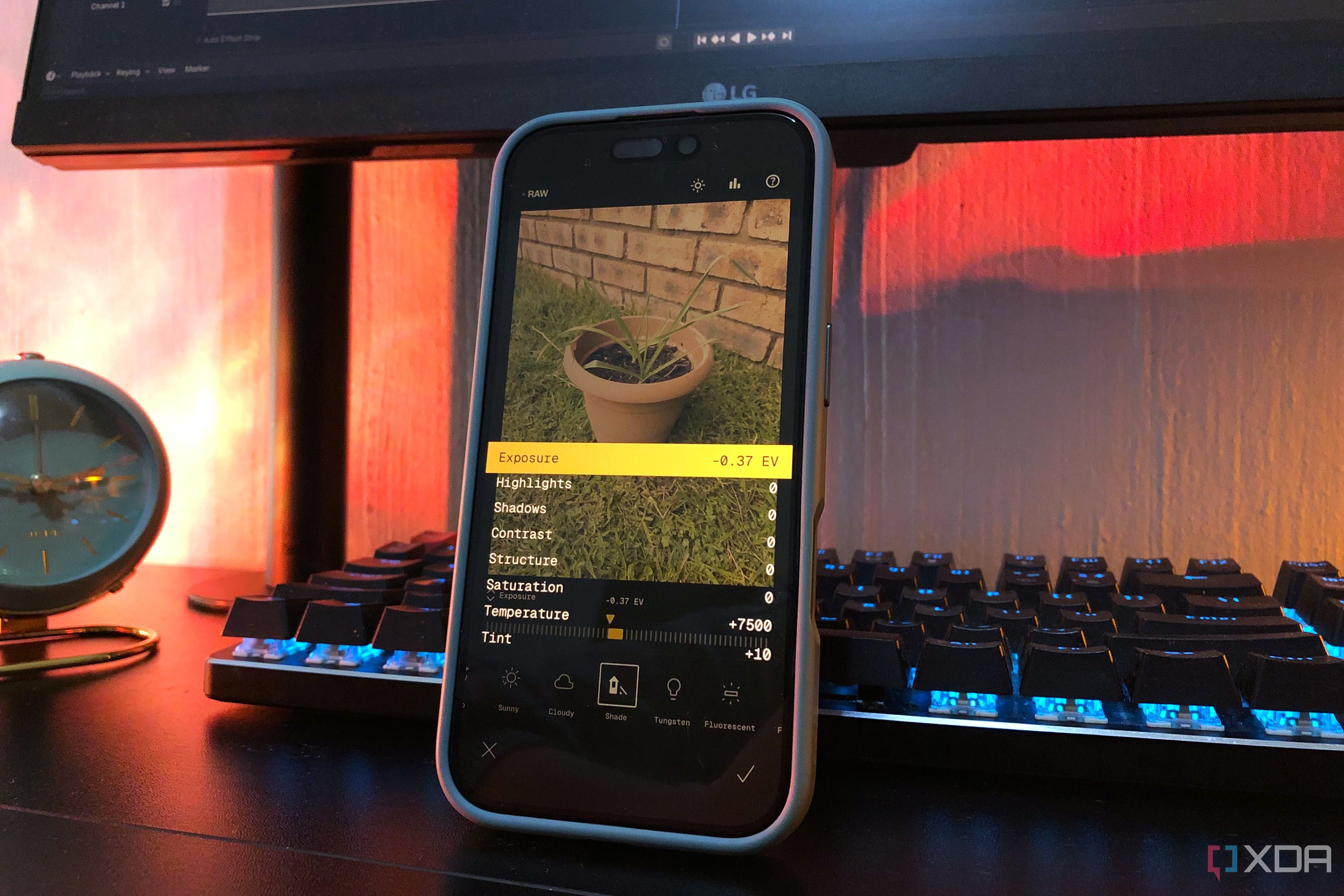
When you drop a RAW file into Snapseed. It skips the marketing fluff and opens a dedicated Develop mode that actually respects the uncompressed data sitting on your phone's storage. You get four full stops of exposure latitude, fine-grained temp controls ranging from deep shade to harsh tungsten. And strong shadow recovery that doesn't smear the point out into a muddy mess. After you nail the underlying exposure, the rest of the toolkit starts up with proper RGB curves. Selective control points, and a healing brush that actually works without leaving weird smudges across your subjects.
We live in an era where basic utilities demand recurring revenue streams, turning every minor digital action into a subscription trap. It is genuinely refreshing to use software that respects your wallet, device, and your files. Drop the corporate bloatware and give the old king another look if you are tired of renting your darkroom by the month just to tweak a few mobile snapshots. Good engineering doesn't always need a paywall.