Access Your Local LLM Anywhere with Tailscale
Running a massive model on your home hardware is cool, but being able to query it from a café across the planet without punching holes in your firewall is where it gets truly useful....
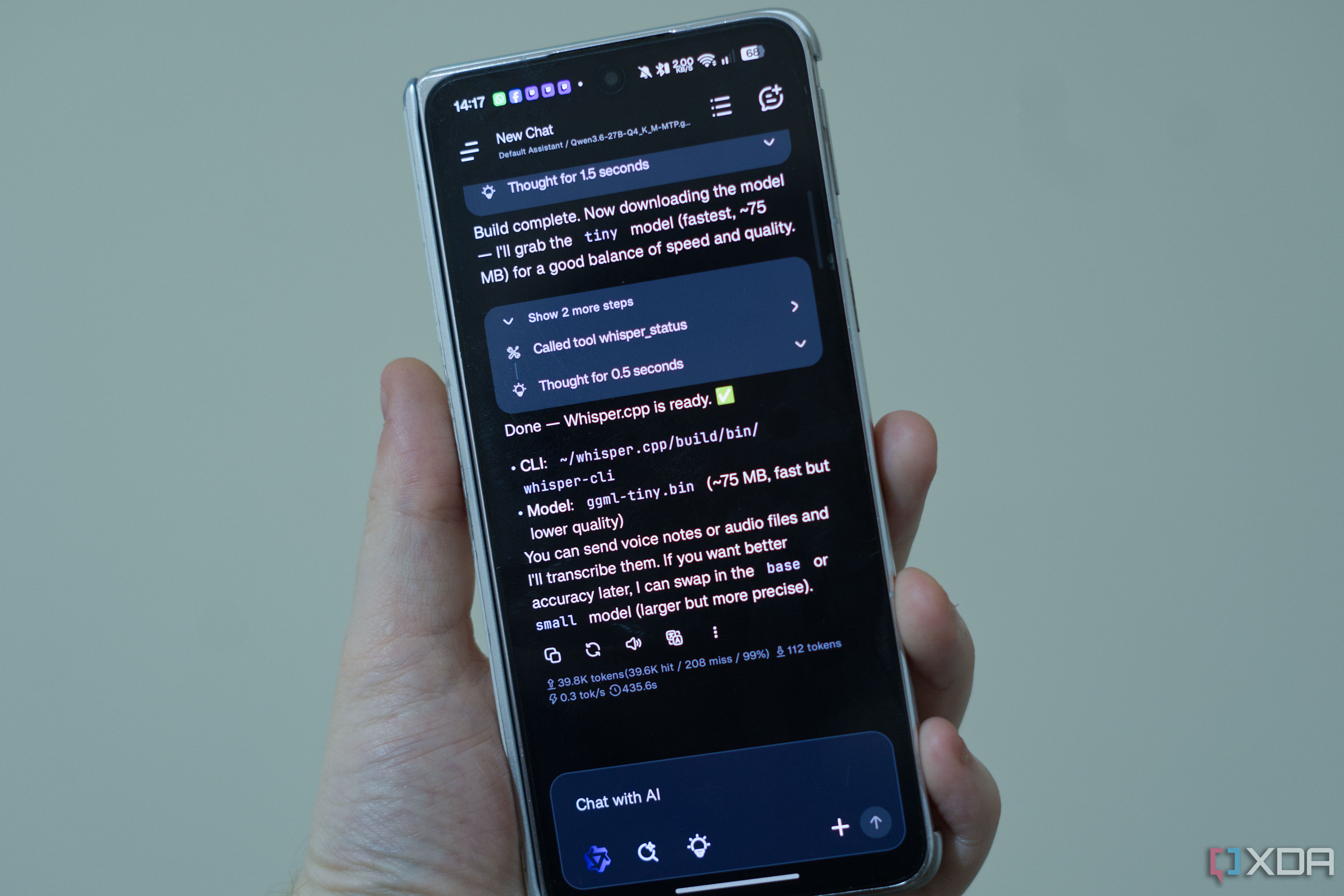
Running your own models locally feels like a minor act of rebellion. Actually, you avoid the subscription fees, dodge the privacy policies that change every six months, and own your infrastructure. But the friction hits the moment you leave your apartment. Suddenly, your powerful home rig is trapped behind a domestic router, and your phone client is staring at a blank screen wondering why localhost doesn't resolve from a foreign cellular network.
Most people try to solve this by opening ports. Don't. Exposing an OpenAI-compatible API endpoint directly to the open web is an invitation for trouble, bad actors, and sleepless nights debugging security logs. Instead, you map a secure mesh network over your existing connections. By running Tailscale on both your home server and your daily carry devices, you create an encrypted overlay that bypasses port forwarding entirely while keeping your private hardware strictly out of public view.
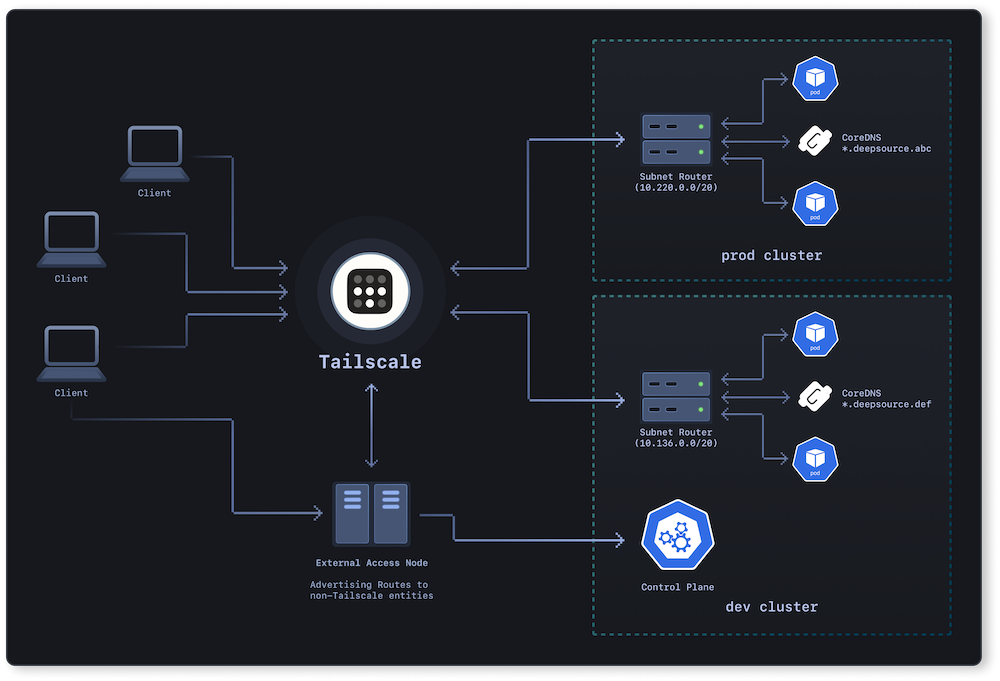
It operates quietly in the background, bridging devices across different continents through WireGuard magic. The request tunnels straight to my home rack as if I were sitting on the living room rug, when I fire up a client app on my laptop thousands of miles away. [IMAGE]
Latency is the only real penalty you pay for this kind of remote wizardry. Physics still wins, so don't expect instant token streaming from a hotel Wi-Fi in Tokyo to a basement server in Chicago. Yet. For practical coding assistance or deep-dive text generation on the go, the trade-off is laughably small.
We spend too much time overcomplicating our setups with brittle reverse proxies and complex cloud glue. Sometimes the absolute best solution is the one that just works out of the box, letting you focus on the actual work instead of fighting your network topology.