Gmail Finally Solves the Most Annoying Part of Two-Factor Authentication
Google is finally rolling out a direct copy-code shortcut in Gmail, eliminating the tedious dance of opening emails just to grab a temporary login token....
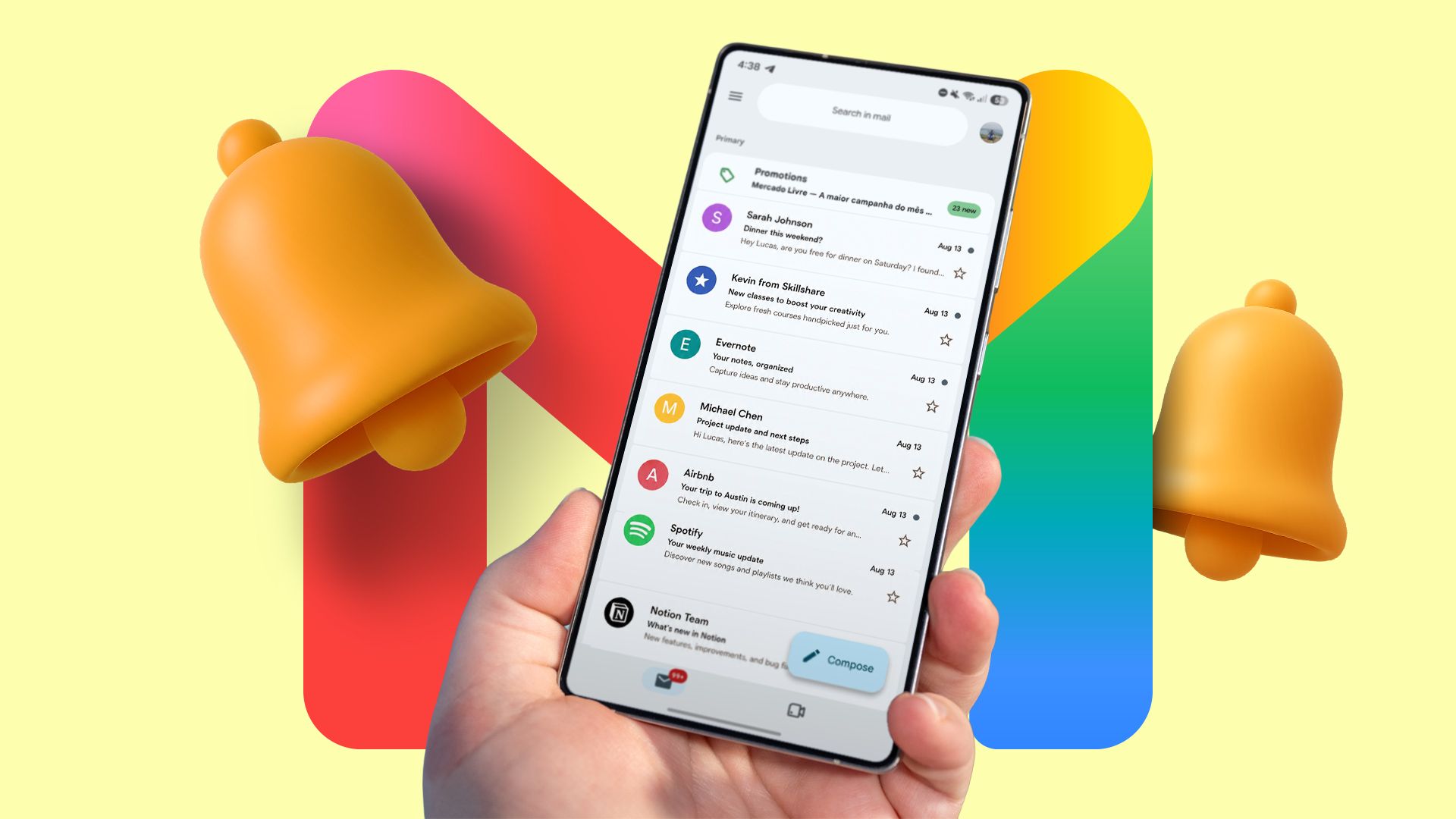
If you spend any time on the modern web, your life is governed by a ridiculous ritual: wait for a verification code, swap apps, open an email, mentally parse a wall of marketing fluff to locate a six-digit string of numbers, copy it, and finally paste it back where it belongs. It is a death by a thousand papercuts. We have lived with this friction for decades, accepting it as the unavoidable tax of digital security, even though our operating systems figured out how to pluck these codes straight from SMS messages years ago.
Thankfully, sanity is slowly bleeding back into the software we use every day. Gmail is rolling out a clean, functional update across Android and iOS that injects a prominent "Copy code" button directly into your main inbox preview. You don't need to open the message (though not always). You do not need to scroll past the brand's unskippable logo or the legal disclaimers at the bottom. The token ready for your clipboard, is just sitting there, and primed.
This is what good software engineering looks like in practice. The it isn't a flashy generative AI feature nobody asked for. Nor is it a bloated interface redesign that breaks your muscle memory; it's a laser-focused quality-of-life tweak that solves one specific, nagging annoyance. When you actually open the message, the code floats right to the top of the viewport with its own dedicated action button. Bypassing any parsing headaches caused by weird formatting or overly chatty transactional email templates.
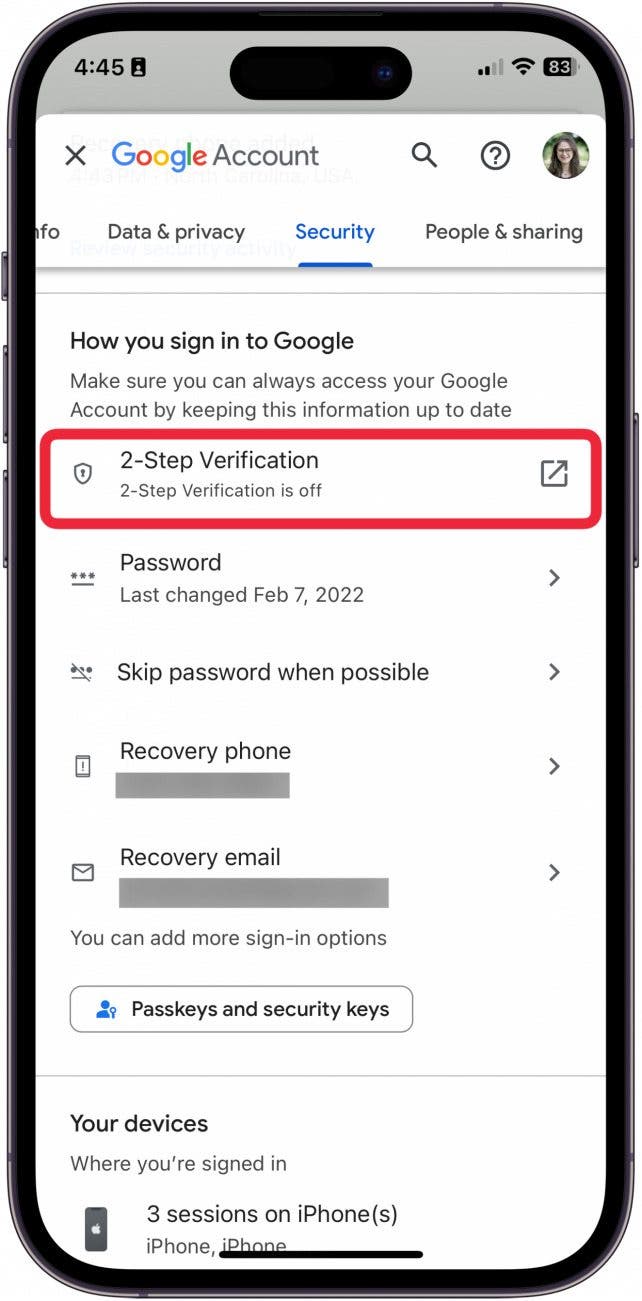
Of course, the implementation still leaves a bit to be desired if you look closely under the hood. It misses the notification shade entirely – which is honestly where this shortcut would be most powerful – and leaves web users out in the cold entirely. Still, I will take the win. Small UX improvements like this remind me why craftsmanship still matters in a tech field far too obsessed with empty hype.
Take a moment to update your mobile client if the button hasn't magically appeared for you yet. It is a tiny adjustment, but once you stop opening emails just to read a string of random numbers, you will never want to go back.