
Made with ♥ by Avi

Spotify Stations app was killed and nobody noticed


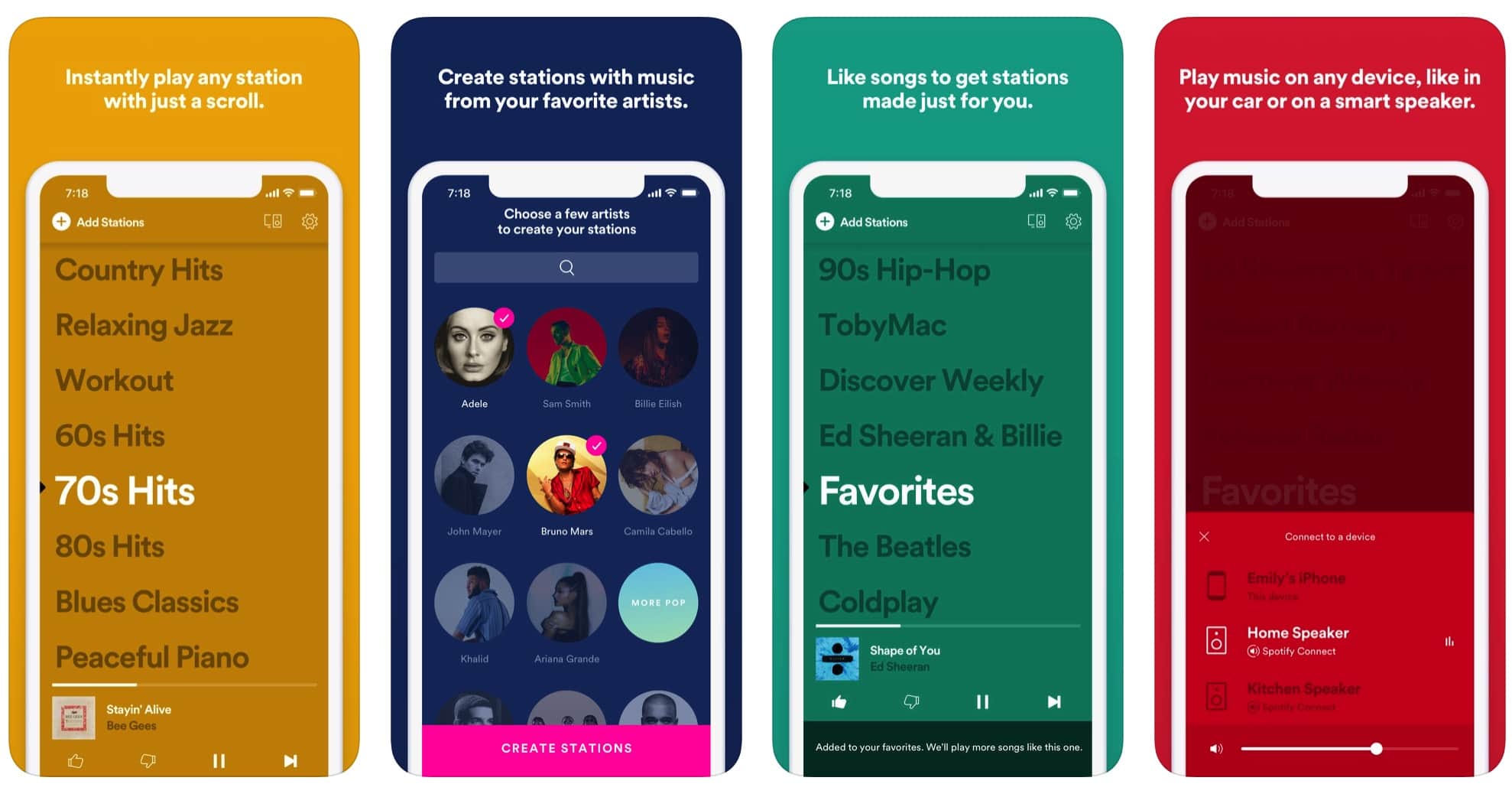
The experimental ‘Stations’ app by Spotify is dying very soon as the company says that they are shutting it down on May 16th. The app is now no longer on the App Store and Play Store.
Spotify told TechCrunch that they ‘create better-listening experiences for users’ and that Spotify Stations Beta was one of those tests, saying that they would be sunsetting the current feature, but users will be able to easily transfer their favorite stations and enjoy a similar radio experience directly within the Spotify app. If you are an existing Stations user, you’ll be able to move these stations to the main Spotify app, as you’ll be able to find them in your library in a folder called Spotify Stations.

Users that enjoyed the minimalist app with the streamlined design would be disappointed by this move. However, the company did say that this feature on the main app does offer similar features, so users won’t have to worry a lot about that one.

Spotify Stations app was killed and nobody noticed

Spotify Stations app was killed and nobody noticed


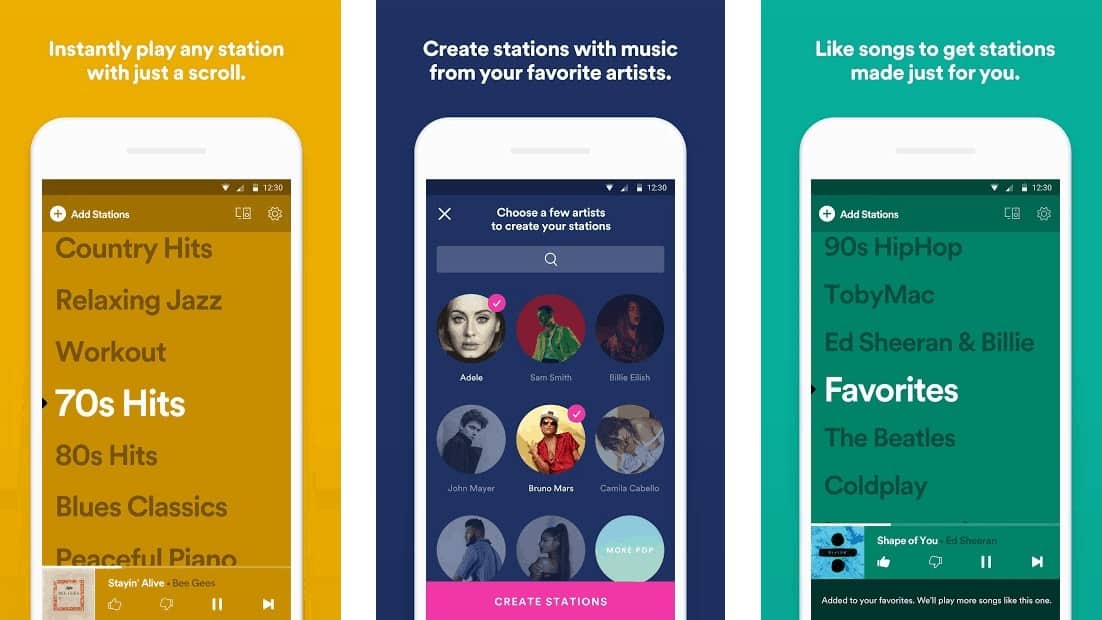
The experimental ‘Stations’ app by Spotify is dying very soon as the company says that they are shutting it down on May 16th. The app is now no longer on the App Store and Play Store.

Spotify told TechCrunch that they ‘create better-listening experiences for users’ and that Spotify Stations Beta was one of those tests, saying that they would be sunsetting the current feature, but users will be able to easily transfer their favorite stations and enjoy a similar radio experience directly within the Spotify app. If you are an existing Stations user, you’ll be able to move these stations to the main Spotify app, as you’ll be able to find them in your library in a folder called Spotify Stations.

Users that enjoyed the minimalist app with the streamlined design would be disappointed by this move. However, the company did say that this feature on the main app does offer similar features, so users won’t have to worry a lot about that one.

Enable Optimization for improving page speed on Firefox?

Enabling will throttle your experience throughout the site, you will have reduced animations, no transparency effects, potentially reduced visual harmony. Learn why

You won't be prompted again, but you can change your settings by clicking on the bottom left icon.

We use cookies 🍪 & trackers for analytics & performance. By browsing, you accept our Privacy Policy - Learn more. Exit to opt-out