
Made with ♥ by Avi

Valve’s latest Steam Deck update promises less fan noise


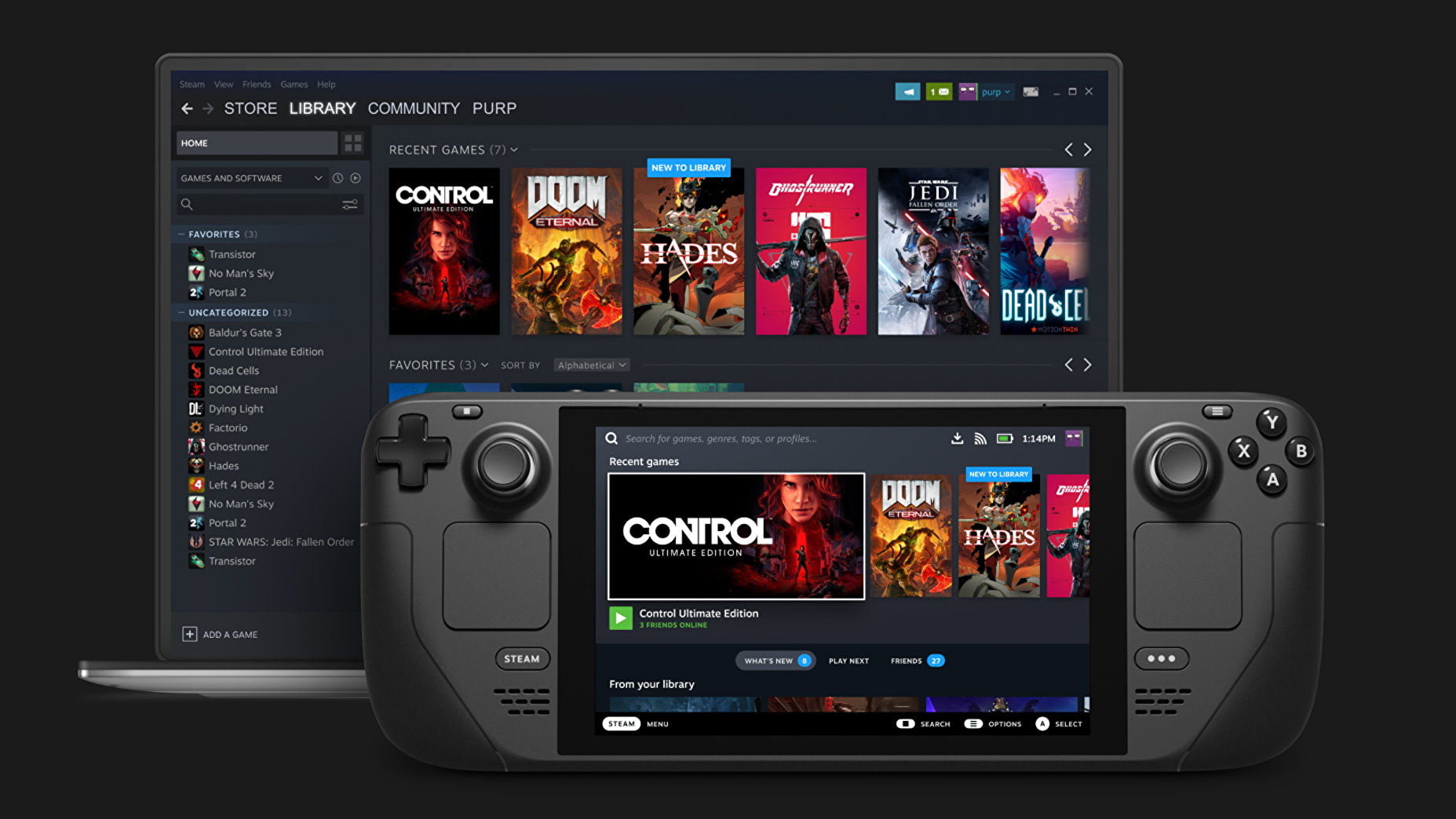
Valve has just begun rolling out SteamOS 3.2 for Steam Deck, And this new update addresses the very big issue people have been facing with the handheld gaming device since it was released, the fan noise. The company says that this new update will introduce an all-new operating system-controlled fan curve allowing Steam Deck’s internal fan to quickly and smartly respond to heat Helping the components to more quietly do the job, and particularly be more efficient in low usage situations.
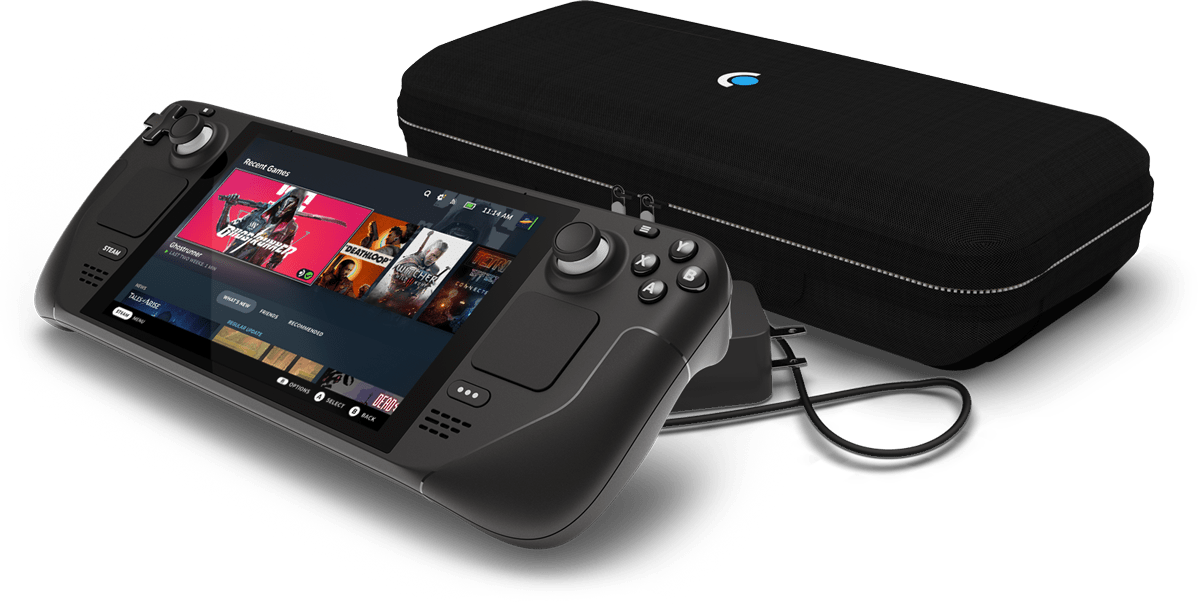
Valve says that this new update has been tested extensively and they are continuing to work on more improvements in the future, so they are very keen to know what users think of this.

SteamOS 3.2 also introduces a great new option to adjust the display refresh rate while in-game, and the company also recommends Steam Deck owners try setting their device to 40 Hertz for the sweet spot between responsiveness and battery life.

Valve’s latest Steam Deck update promises less fan noise

Valve’s latest Steam Deck update promises less fan noise


Valve has just begun rolling out SteamOS 3.2 for Steam Deck, And this new update addresses the very big issue people have been facing with the handheld gaming device since it was released, the fan noise. The company says that this new update will introduce an all-new operating system-controlled fan curve allowing Steam Deck’s internal fan to quickly and smartly respond to heat Helping the components to more quietly do the job, and particularly be more efficient in low usage situations.

Valve says that this new update has been tested extensively and they are continuing to work on more improvements in the future, so they are very keen to know what users think of this.

SteamOS 3.2 also introduces a great new option to adjust the display refresh rate while in-game, and the company also recommends Steam Deck owners try setting their device to 40 Hertz for the sweet spot between responsiveness and battery life.

Enable Optimization for improving page speed on Firefox?

Enabling will throttle your experience throughout the site, you will have reduced animations, no transparency effects, potentially reduced visual harmony. Learn why

You won't be prompted again, but you can change your settings by clicking on the bottom left icon.

We use cookies 🍪 & trackers for analytics & performance. By browsing, you accept our Privacy Policy - Learn more. Exit to opt-out