
Made with ♥ by Avi

Apple Studio Display having issues with firmware update, oh snap


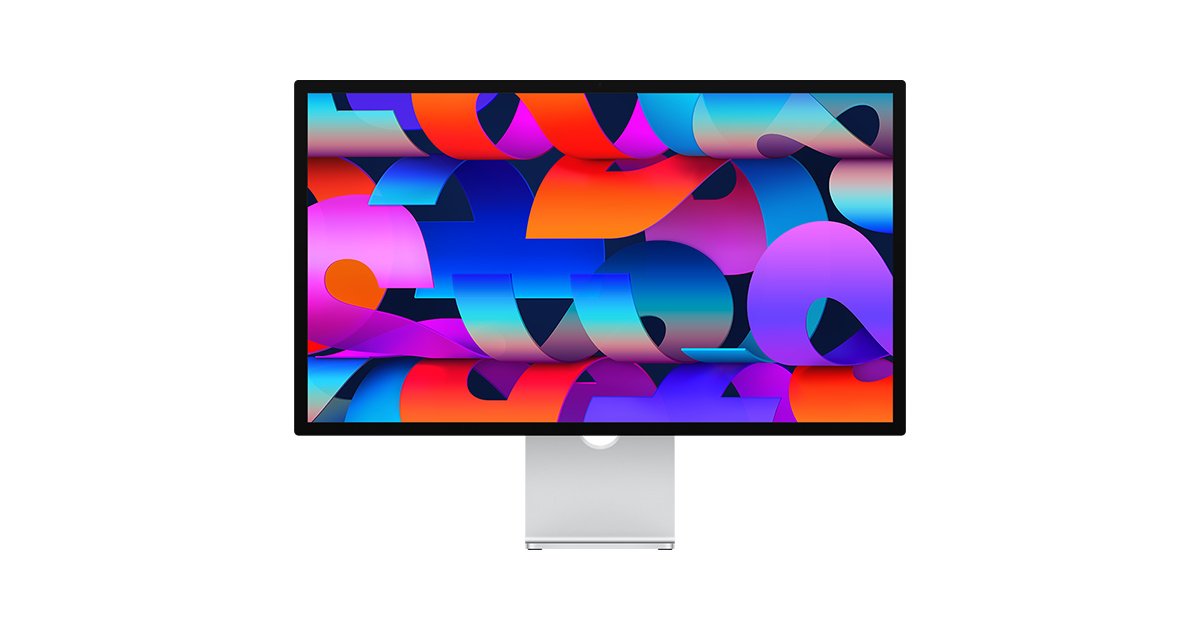
Some people that just bought the new Apple Studio display or having issues updating their latest firmware after multiple failed attempts, users are told to bring their display in for repair to an Apple Store or authorized repair facility.
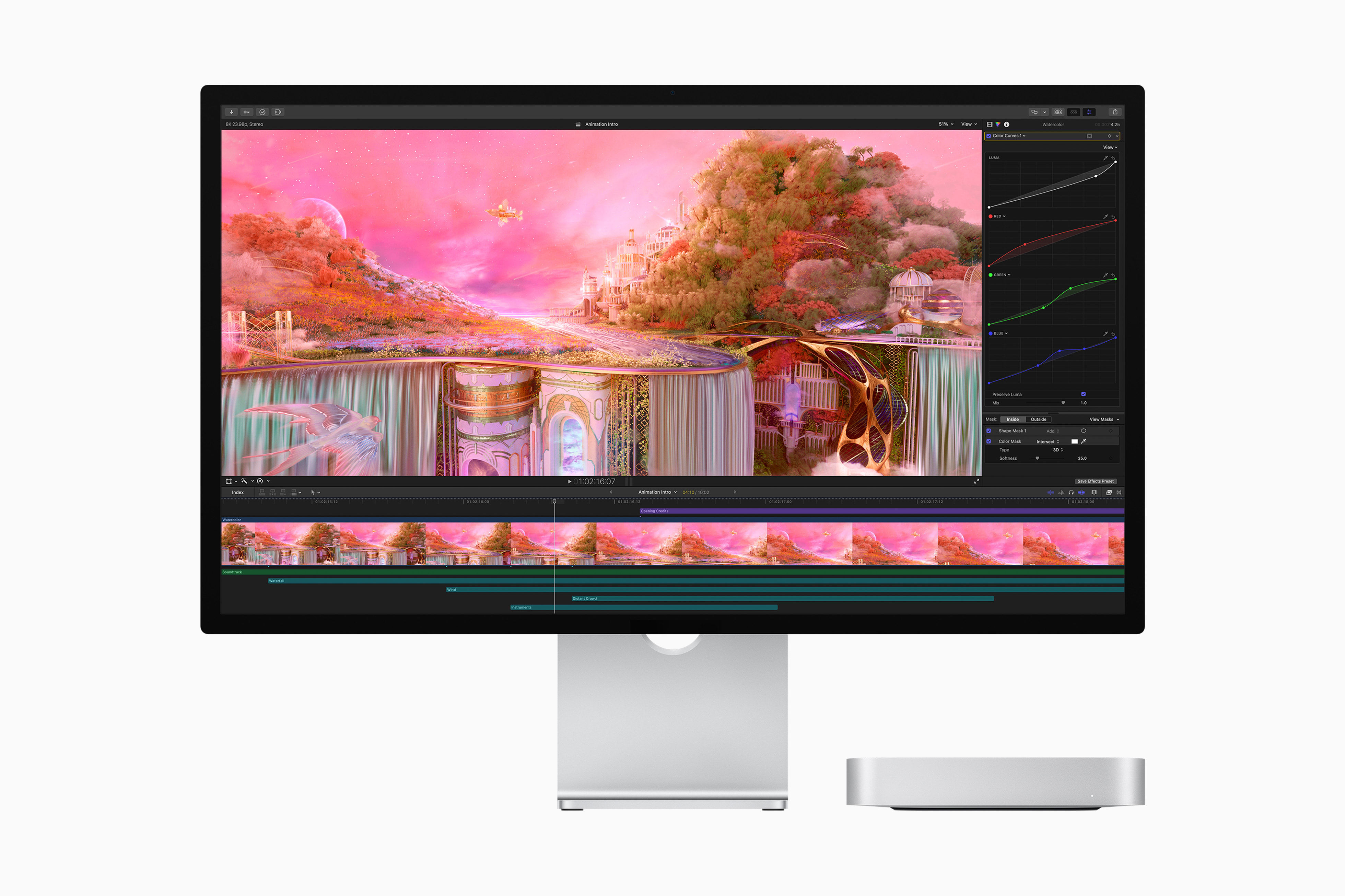
This issue has been growing for a lot of Apple users out there as we can see from Apple’s Support Forum. When people try to update the Apple Studio display, they get a message saying “Apple Studio Display firmware could not be updated. Try again in an hour. If the problem persists, contact an authorized Apple service provider.” Even if any user connects via another computer, the problem still persists.

The studio display is off to a relatively weird start as it is being criticized by a lot of people for its 60 Hertz refresh rate and relatively high price tag with a very mediocre webcam. Apple did promise to fix the webcam through a firmware update, but it hasn’t happened yet.

Apple Studio Display having issues with firmware update, oh snap

Apple Studio Display having issues with firmware update, oh snap


Some people that just bought the new Apple Studio display or having issues updating their latest firmware after multiple failed attempts, users are told to bring their display in for repair to an Apple Store or authorized repair facility.

This issue has been growing for a lot of Apple users out there as we can see from Apple’s Support Forum. When people try to update the Apple Studio display, they get a message saying “Apple Studio Display firmware could not be updated. Try again in an hour. If the problem persists, contact an authorized Apple service provider.” Even if any user connects via another computer, the problem still persists.

The studio display is off to a relatively weird start as it is being criticized by a lot of people for its 60 Hertz refresh rate and relatively high price tag with a very mediocre webcam. Apple did promise to fix the webcam through a firmware update, but it hasn’t happened yet.

Enable Optimization for improving page speed on Firefox?

Enabling will throttle your experience throughout the site, you will have reduced animations, no transparency effects, potentially reduced visual harmony. Learn why

You won't be prompted again, but you can change your settings by clicking on the bottom left icon.

We use cookies 🍪 & trackers for analytics & performance. By browsing, you accept our Privacy Policy - Learn more. Exit to opt-out