
Made with ♥ by Avi

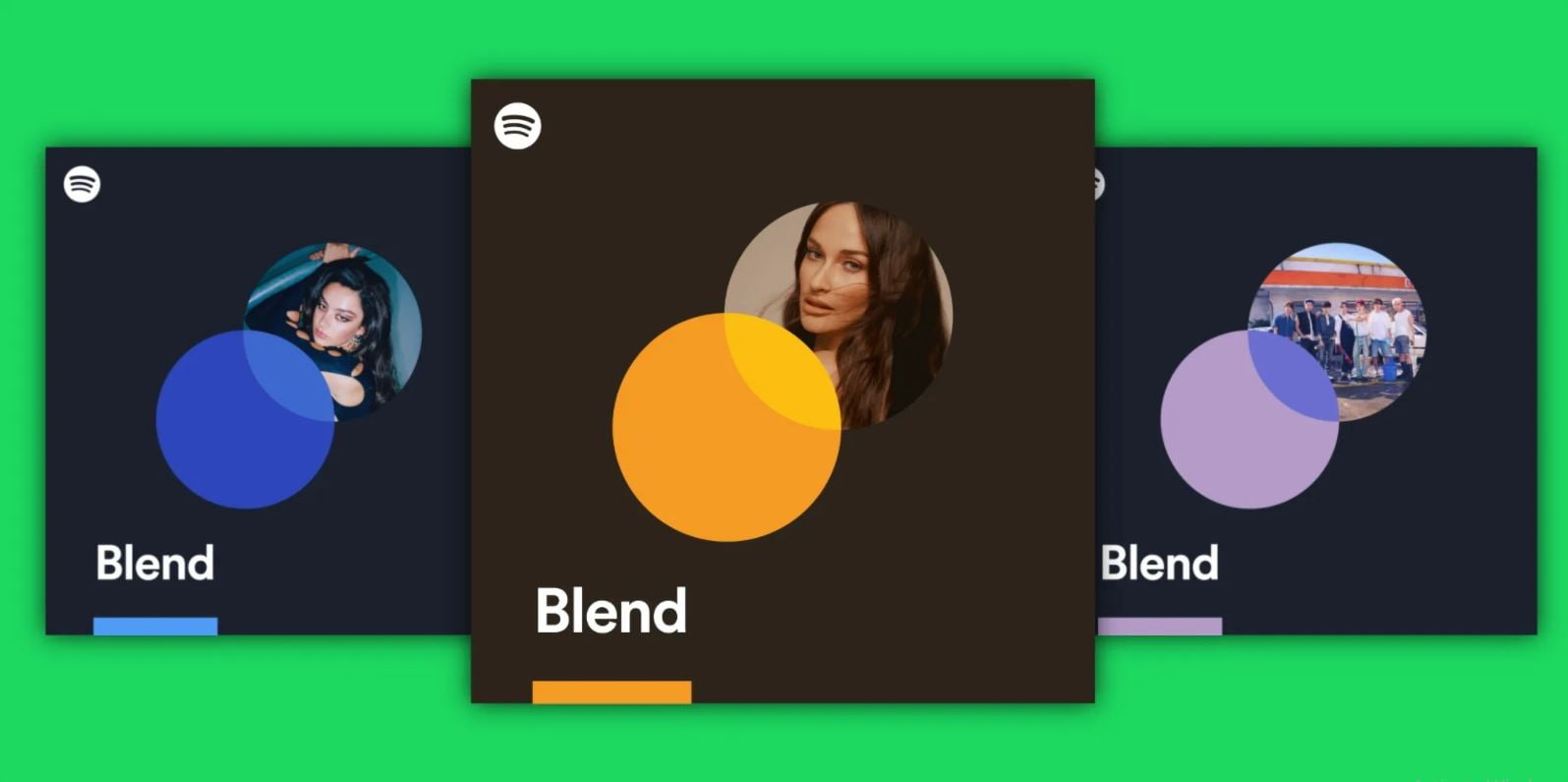
You can add up to 10 people and artists to Spotify Blend playlists now.


After inviting another Spotify user to take part, the platform generates a shared playlist that pulls songs from both your libraries. After you invited your friend to take part, Spotify generated a shared playlist that pulled songs from both your libraries Also provided a match score, and updated the playlist daily, allowing you to see how your music tastes changed over time.

There was one very big limitation of this feature, it was that you could only create a blend playlist with only a single friend at a time. Well, Spotify is improving on that as from today you will be able to create a blend playlist with up to 10 people (While working the same way it did when there were only two people) You can also create a blend playlist with select artists.
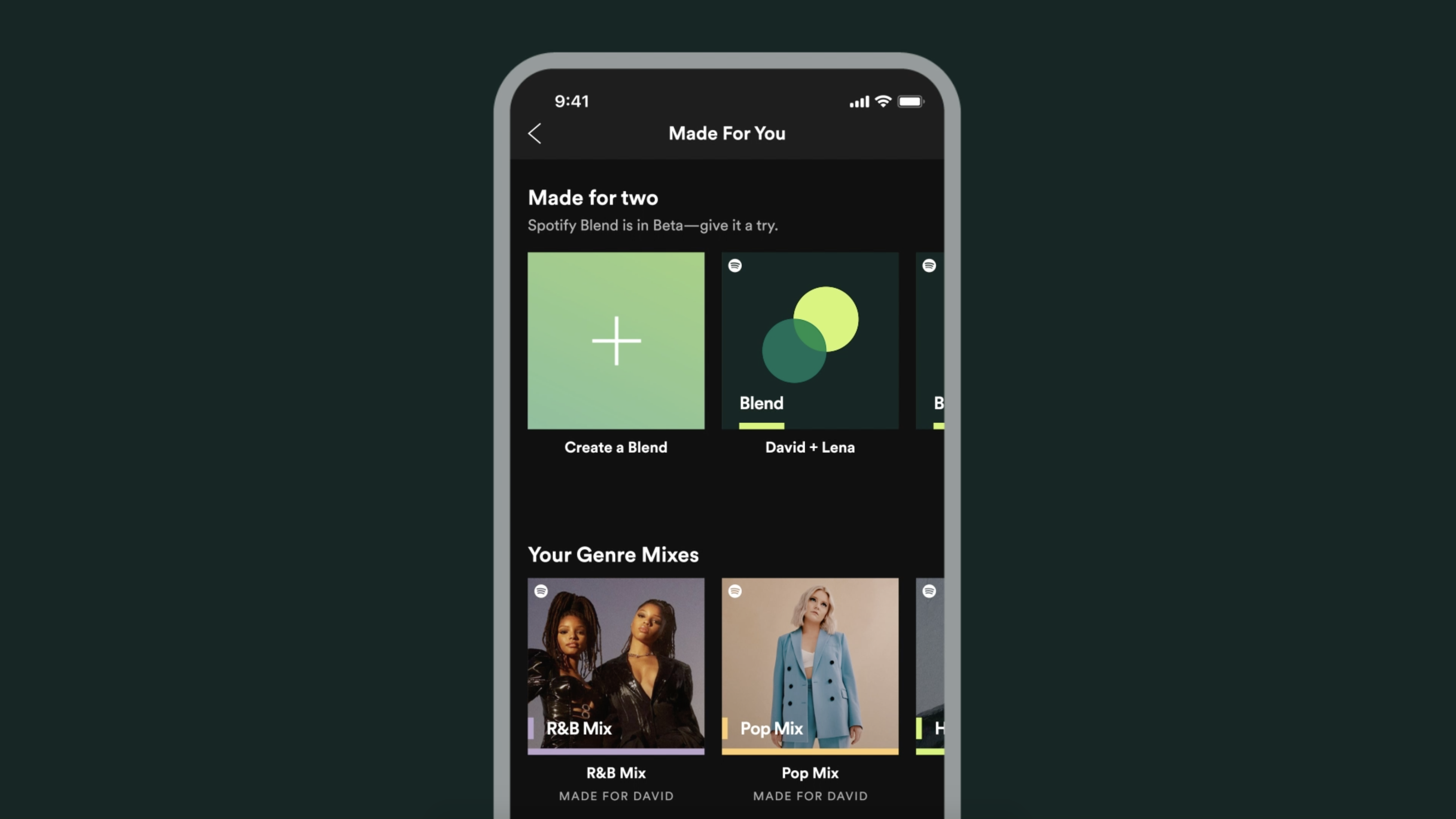
Well, if you haven’t really made it blend playlist yet, you can do it by just typing blend within the search tab and then inviting the people you’d like to take part.

You can add up to 10 people and artists to Spotify Blend playlists now.

You can add up to 10 people and artists to Spotify Blend playlists now.


After inviting another Spotify user to take part, the platform generates a shared playlist that pulls songs from both your libraries. After you invited your friend to take part, Spotify generated a shared playlist that pulled songs from both your libraries Also provided a match score, and updated the playlist daily, allowing you to see how your music tastes changed over time.

There was one very big limitation of this feature, it was that you could only create a blend playlist with only a single friend at a time. Well, Spotify is improving on that as from today you will be able to create a blend playlist with up to 10 people (While working the same way it did when there were only two people) You can also create a blend playlist with select artists.

Well, if you haven’t really made it blend playlist yet, you can do it by just typing blend within the search tab and then inviting the people you’d like to take part.

Enable Optimization for improving page speed on Firefox?

Enabling will throttle your experience throughout the site, you will have reduced animations, no transparency effects, potentially reduced visual harmony. Learn why

You won't be prompted again, but you can change your settings by clicking on the bottom left icon.

We use cookies 🍪 & trackers for analytics & performance. By browsing, you accept our Privacy Policy - Learn more. Exit to opt-out